

Welcome! ¡Bienvenidos! स्वागत! Bienvenu! Welkom! !خوش آمدی
ברוך הבא! Willkommen! ようこそ! Byenvini! Chào mừng! 欢迎!Välkommen!
Yes, we have mental health professional members who speak each of the above languages saying "Welcome".
For the Community For Mental Health Professionals RECAMFT's Mission: "The purpose of RECAMFT is to promote and maintain professional competence and integrity with knowledge, innovation, compassion, humor and respect for human dignity and diversity. We do this by providing opportunities for networking, education and community outreach for our members.” Racial and Social Justice Pledge: RECAMFT is committed to equity including addressing structural racism and systemic injustice. We endeavor to be inclusive and value individuals from all ethnicities, ages, races, sexual orientations, genders, languages, abilities, religions, citizenship statuses, and socioeconomic backgrounds into our chapter and into treatment. We strive to advocate, educate, collaborate, and strategize for positive racial and social justice change within our membership and our community.
from Emily Larkin, LMFT Welcome to the Redwood Empire Chapter of the California Association of Marriage and Family Therapists. In 2024 RECAMFT celebrated our 50th Anniversary! We pride ourselves on being one of CAMFT’s most active chapters. We offer our members monthly trainings (except July and August) where they can earn continuing education hours, networking opportunities for ongoing connection with colleagues, and a supportive community here to help our members care for those they serve.
Despite the challenges brought on by the COVID-19 pandemic and community disasters, our chapter has endured and remains committed to our membership. Our passionate, dedicated Board of Directors works to provide our members with pertinent, up-to-date resources and trainings to help our constituents be the best therapists they can be! If you are interested in learning more about our organization or want to help make a difference by becoming involved with our board or committees, please email info@recamft.org. We look forward to serving you for another 50 years! Warmly, Emily Larkin, LMFT 2025 RECAMFT President The Best CE Bargain! You can earn ALL your CEs for renewal, simply by attending the monthly RECAMFT meetings and taking our Law & Ethics six-hour seminar in the spring. It's the best CE bargain anywhere and includes fun networking with your colleagues, a wide variety of interesting speakers and topics, a chance to get known in the community for what you do, and great snacks! RECAMFT provides CEs for professionals who are licensed with the CA Board of Behavioral Sciences. There is no charge to members for 1.5 or more CEs at most general monthly meetings put on by this chapter. Non-members who desire CEs can pay to purchase a CE certificate. | Prelicensed? Prelicensed members & NON-members, please join us! Prelicensed Meet & Greet!
Featured member |
 Our President's Welcome
 Click
Click 

|
Chapter Events
|
Our members offer a wide array of groups for the public. Please visit our Therapy Groups page to see the current list, which you can download as a PDF. To purchase an advertisement in RECAMFT's Therapy Groups List, click here.  Are you looking for a Medi-Cal provider? Are you looking for a Medi-Cal provider?
We are constantly updating our Therapist Directory to reflect providers who take the Partnership Healthplan of California Medi-Cal (managed by Carelon in Sonoma County). You can search for a provider on the Carelon website here. When prompted for "Plan name/Code" enter "Partnership."
|
 Are you looking for a therapy group?
.jpg "Medi-Cal logo")
Click here to see this FREE 2 hr training Presented by Doreen Van Leeuwen, LMFT Critical Incident Responder, and expert in Disaster Mental Health October 19, 2017 |
 "Brief Disaster Response Training for Helping Professionals"
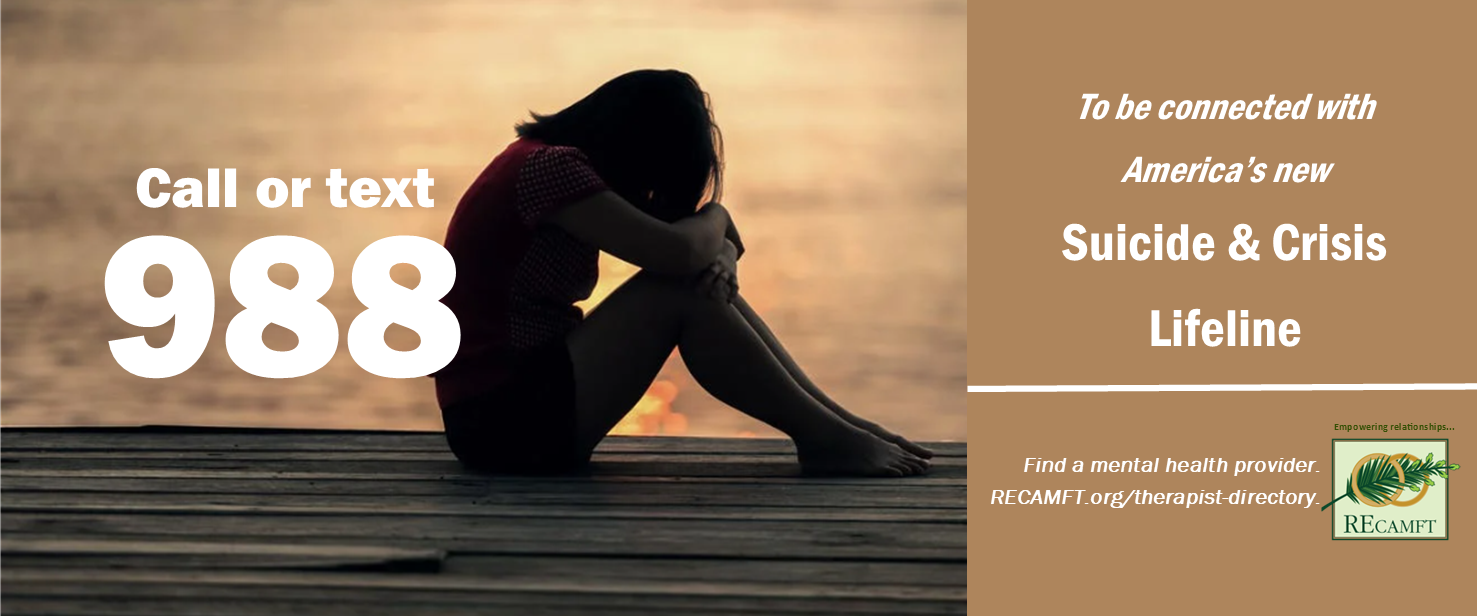
Click here to download the above Suicide & Crisis Lifeline banner. When the link opens, right click to save it to your computer. | Click here to download the below Suicide & Crisis Lifeline banner. When the link opens, right click to save it to your computer.
Find everything you need to create one on the Members' Only page. Not a RECAMFT member? This is just one more good reason to join today! |

 Do you have a Professional Will?
|
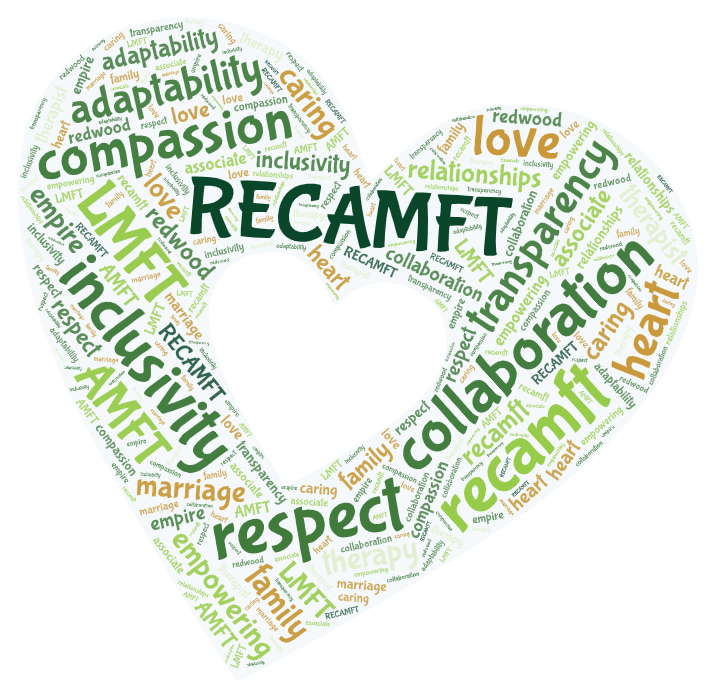
RECAMFT’s Values (from our Strategic Plan) Respect, compassion, inclusivity, collaboration, adaptability, transparency
|

Redwood Empire Chapter of California Association of Marriage and Family Therapists
is a CAMFT Approved Continuing Education Provider: License #57173.
RECAMFT.org - PO Box 2732 - Santa Rosa, CA 95405
E-mail: info@recamft.org Web: www.recamft.org
Thank you to Ed Aiona and the Sonoma County Water Agency for giving us permission to display
the photo of the Russian River. Pictures of redwood trees and leaves by RECAMFT member Laura Strom are used with permission.
This website is maintained by recamfttechnology@gmail.com.